Back to School SVG Bundle Vol-15
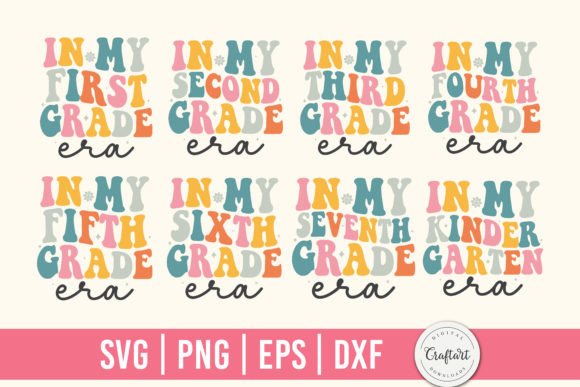
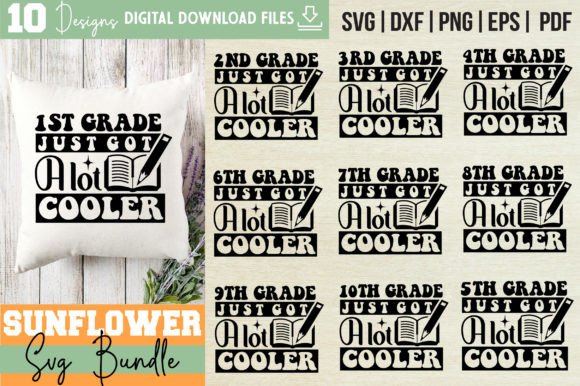
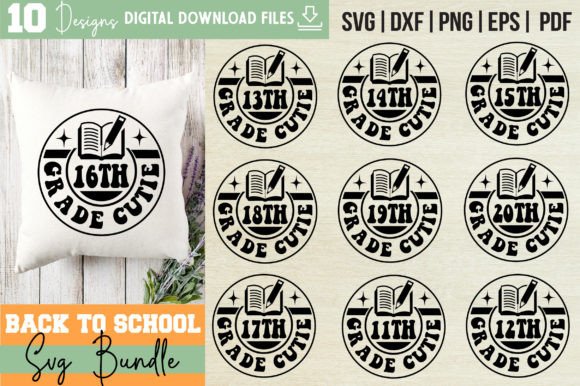
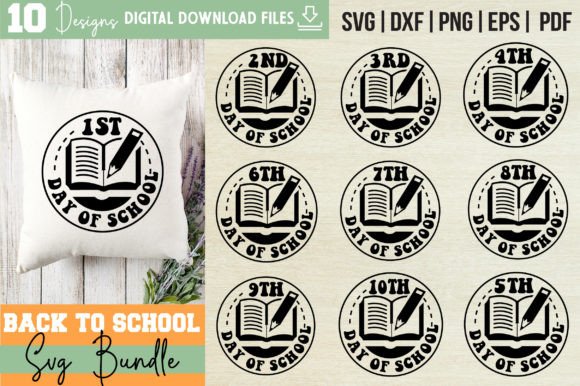
Whether you're prepping a classroom, launching a seasonal merch line, or designing personalized gifts for students and teachers, the Back to School SVG Bundle Vol-15 delivers versatile, production-ready assets—no design degree required. This isn’t just another collection of clipart. It’s a thoughtfully assembled toolkit built for real-world use: layered, cross-platform compatible, and optimized for both precision cutting and digital adaptation.
What You’re Actually Getting (and Why It Matters)
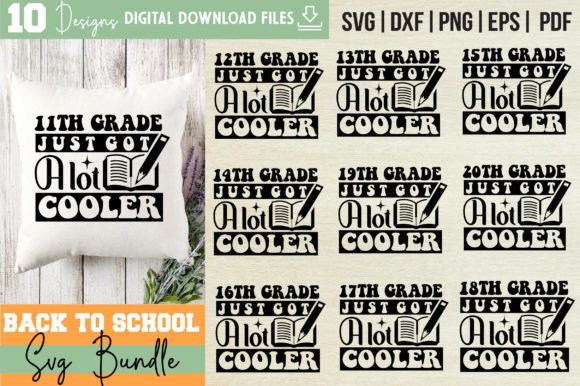
Inside the single downloadable .zip file, you’ll find 50 total files—10 designs, each delivered in five essential formats:
- SVG files — Word-by-layer structure, fully compatible with Cricut Design Space, Silhouette Studio, and other cutting software. Layers are named intuitively (e.g., “shadow,” “outline,” “fill”) so you can toggle visibility, recolor, or rearrange elements without guesswork.
- EPS files — Vector-based, infinitely scalable, and editable in Adobe Illustrator, CorelDRAW, or Inkscape. Ideal for print shops, branding projects, or adapting designs into logos or signage.
- PNG files — 300 DPI, transparent background, crisp and ready for web use, social media graphics, or digital invitations. No need to remove backgrounds or adjust resolution before uploading.
- DXF files — AutoCAD-compatible for laser engraving, CNC routing, or architectural mockups—useful if you're creating custom chalkboards, wooden classroom signs, or engraved name tags.
- PDF files — Adobe Illustrator source format with layers preserved. Great for collaborators who need editable vectors but don’t own Illustrator—most vector editors can import PDFs while retaining layer integrity.
This multi-format approach means one purchase supports multiple workflows—whether you cut vinyl for t-shirts Monday morning, prep a Canva presentation Tuesday afternoon, or send artwork to a local print shop Wednesday.
Creative Applications That Go Beyond the Obvious
Yes, these designs shine on shirts, mugs, and classroom signs—but their real value emerges when you treat them as flexible starting points.
Educators can use layered SVGs to build interactive bulletin boards: print the “First Day Jitters” quote in three colors, cut each layer from different cardstock, then stack for tactile depth. Or convert the PNGs into Google Slides backgrounds—add student names or daily affirmations directly on top.
Small business owners running craft fairs or Etsy shops can mix and match elements across designs. For example, pair the “A+ Attitude” icon from one file with the chalkboard texture overlay from another—then re-export as a new SVG for a limited-run tote bag series.
Freelance designers working with school PTA groups or tutoring startups can adapt the EPS files into branded templates: swap fonts, adjust spacing, add school colors, and deliver polished PDFs for newsletters or event banners—all within an hour.
Even bloggers and content creators benefit: use the transparent PNGs in Instagram carousels (“5 Back-to-School Mindset Shifts”), embed SVGs into Notion dashboards for student planners, or animate individual layers in After Effects for short-form Reels about learning routines.
How to Keep Your Projects Clear, Consistent & Audience-Friendly
Clarity starts with intention—not decoration. Before adding any element from the bundle, ask: Who is this for? What action should it support? A “Welcome Back!” sign for kindergarten needs larger text, friendlier fonts, and more visual breathing room than one for a high school staff lounge.
To maintain consistency across multiple items (e.g., matching stickers, notebooks, and door hangers), stick to one core design per campaign—and vary only color, size, or layout. Use the word-by-layer structure to isolate key phrases and reuse them across formats. For instance, extract just the “You’ve Got This!” phrase from its original layout, resize it for a phone case, then reapply the same shadow layer used on your classroom banner.
Avoid overcomplicating. These files include thoughtful negative space and balanced proportions—so resist the urge to crowd layouts. Let the design breathe. If you’re printing on fabric, test one color at a time first; the included PNGs make soft-proofing fast and accurate.
Realistic Tips for Getting Started Fast
You don’t need to master every format right away. Start where your tools and goals align:
- If you own a Cricut: Open the SVGs first. Try ungrouping and hiding layers to see how quotes separate from decorative flourishes. Recolor one layer to match your brand palette—it takes seconds.
- If you work mostly in Canva or Google Docs: Grab the PNGs. Drag them in, resize freely, and layer over photos or solid-color backgrounds. Their transparency means no extra editing.
- If you outsource printing or embroidery: Send the EPS or PDF files. They preserve vector quality at any scale—and most vendors prefer them over raster images.
- If you’re building a product line: Use the DXF files to prototype with your local maker space or laser cutter. Even simple acrylic name tags made from these files feel premium and intentional.
Remember: This is a digital download only. There’s no physical item shipped—just immediate access to files you control, adapt, and scale. No waiting. No inventory. Just creative momentum.
Who Benefits Most—and How They Use It Differently
Hobbyists love the plug-and-play ease—especially those new to cutting machines. The word-by-layer setup removes early frustration. Entrepreneurs appreciate the commercial license (always confirm terms in your download) and use bundles like Back to School SVG Bundle Vol-15 to rapidly test seasonal offers: “Teacher Appreciation Week” bundles one week, “Study Motivation Pack” the next.
Marketers at schools or edtech startups repurpose the files into email headers, webinar slides, or downloadable checklists—adding subtle design polish without hiring a designer each time. Educators use them to create low-prep, high-engagement materials: think editable “Goal Setting” worksheets where students drag and drop icons onto digital whiteboards.
The thread connecting all these users? They value time, flexibility, and fidelity—not flashiness for its own sake. And that’s exactly what this bundle delivers: clean, adaptable, professional-grade assets that serve purpose first.