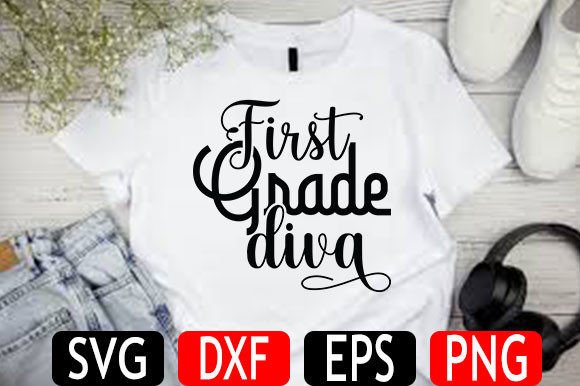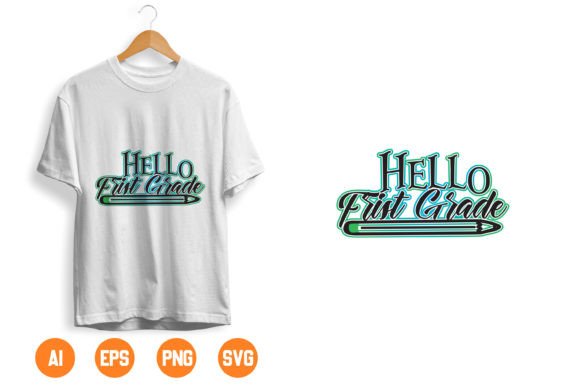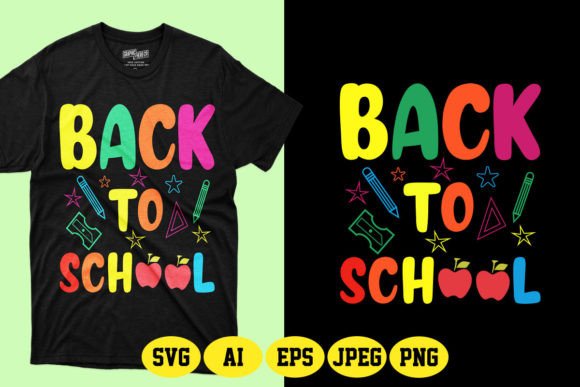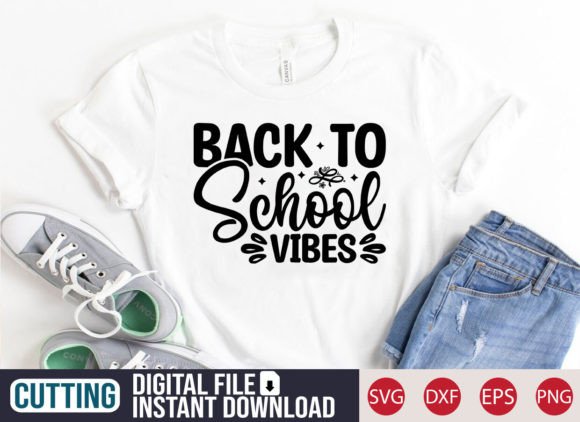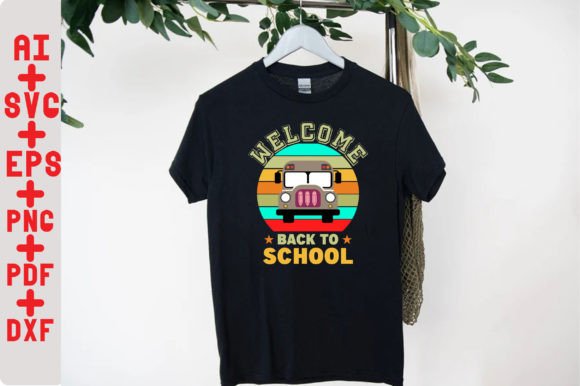
Welcome Back to School SVG Shirt: Creative Fuel for Teachers, Makers & Small Business Owners
If you've ever spent hours searching for the perfect “Welcome Back to School” design—only to find watermarked previews, limited file formats, or rigid licensing—you know how frustrating it can be to bring a simple idea to life. The Welcome Back to School SVG Shirt isn’t just another clipart download. It’s a versatile, production-ready digital toolkit designed for real people doing real work—whether that’s prepping a classroom, launching a seasonal Etsy shop, or personalizing back-to-school gifts for your own kids.
What This File Actually Is (and Isn’t)
This Welcome Back to School SVG Shirt is a digital file package—not a printed shirt, not a ready-made craft kit, and not a subscription service. You’ll receive a .zip file with instant access after purchase. Inside, you’ll find six optimized file types: SVG (ideal for Cricut Explore, Silhouette Designer Edition, Adobe Suite, Inkscape, and CorelDRAW), DXF (compatible with the free version of Silhouette Studio), EPS (for vector-based editing in Illustrator or Corel), PNG (with transparent background for overlays or quick digital use), AI (native Adobe Illustrator format), and PDF (print-ready layout). No waiting. No shipping. No physical inventory.
Where This Design Fits Into Real Life—Not Just Craft Blogs
Think beyond the T-shirt label. While the name includes “Shirt,” this design was built for flexibility—not limitation. Here’s where it shows up in everyday practice:
- Teachers decorating classrooms: Cut the SVG onto vinyl and apply it to whiteboard borders, supply caddies, or laminated student name tags. Use the PNG version to drop into Google Slides for welcome banners or digital newsletters.
- Small batch makers on Etsy or local markets: Run the SVG through a laser cutter for wooden pencil toppers, engrave it onto acrylic keychains, or screen-print it onto canvas tote bags sold at school fairs. One file, dozens of product lines—no redesign needed.
- Parent volunteers organizing events: Print the PDF version onto cardstock for handmade invitations to a “Meet the Teacher” night. Resize the PNG for cupcake toppers at the PTA bake sale—or layer it in Canva to build printable signage for drop-off zones.
- Homeschool families building routine: Stitch the design onto fabric using embroidery software (via the SVG or AI file), then sew it onto backpacks or lunchbox pouches. Or cut stencils from the DXF file to paint matching wall art in learning nooks.
- Local print shops and promo vendors: Import the EPS or AI file directly into RIP software for large-format printing on banners, or prep the SVG for CNC plasma cutting to create metal yard signs for school open houses.
Who Benefits—and How Their Needs Differ
A high school art teacher might load the SVG into Silhouette Studio, resize it to fit a 6" x 6" ceramic tile, and fire up their kiln for a custom “Welcome Back” door hanger. A freelance graphic designer could drop the AI file into an Adobe Illustrator template and rebrand it with a client’s school colors and mascot—then deliver editable files as part of a full branding package. Meanwhile, a busy parent running a home-based stationery business may simply drag the PNG into a Canva invitation template and hit “download” for same-day printing at Staples.
The strength lies in the format diversity—not just having SVG, but also DXF for budget-conscious Silhouette users, PNG for quick social media graphics, and AI for professional designers who need precise anchor points and layers. That means whether you're working on a $300 Cricut Maker or a $30 laptop with free Inkscape, the file adapts to *your* workflow—not the other way around.
Things to Keep in Mind Before You Download
Because this is a digital file—not a physical item—it’s important to check compatibility before assuming it’ll work seamlessly. For example: if you’re using Silhouette Studio Basic (the free version), you’ll want to use the included DXF file—not the SVG—since Basic doesn’t support SVG import. Likewise, if you plan to embroider the design, you’ll need digitizing software (like Embrilliance or Wilcom) to convert the vector paths into stitch files; the SVG itself isn’t embroidery-ready out of the box.
Licensing matters too. This Welcome Back to School SVG Shirt is licensed for both personal and small commercial use—meaning you can sell up to 200 physical items per year (e.g., shirts, mugs, stickers) without needing an extended license. But you can’t resell the digital file itself, upload it to design marketplaces like Creative Market, or claim copyright over the artwork. It’s meant to empower your making—not replace your creativity.
When This File Shines—and When You Might Need More
This design excels in speed, adaptability, and cross-platform reliability. If you need something clean, legible at multiple sizes, and instantly usable across cutting machines, print workflows, or digital presentations—it delivers. The clean vector outlines hold up beautifully whether scaled to 1" for a button or 48" for a banner. And because it includes transparent-background PNGs, it integrates smoothly into digital classrooms, Zoom backgrounds, or Canva-based marketing assets.
That said, it’s intentionally minimal—not illustrated, not animated, not layered with optional elements like chalkboard textures or cartoon apples. If your project calls for hand-drawn charm, seasonal variations (e.g., “Welcome Back—Fall Edition”), or multilingual versions, this single file won’t cover those needs. It’s a strong foundation—not a full renovation.
Putting It to Work Without Overcomplicating Things
You don’t need to master every file type to get value. Start where you already are:
- Already own a Cricut? Open the SVG in Design Space, size it to fit your t-shirt transfer paper, and cut. Done.
- Use Canva for social posts? Upload the PNG, place it over a photo of your classroom, and share.
- Run a small gift shop? Import the EPS into your screen-printing RIP software, adjust halftones, and send to press.